
Download Photomizer Retro – Vintage Photo Editor, Retro Filters, Batch Processing, Lo-Fi Effects
Overview
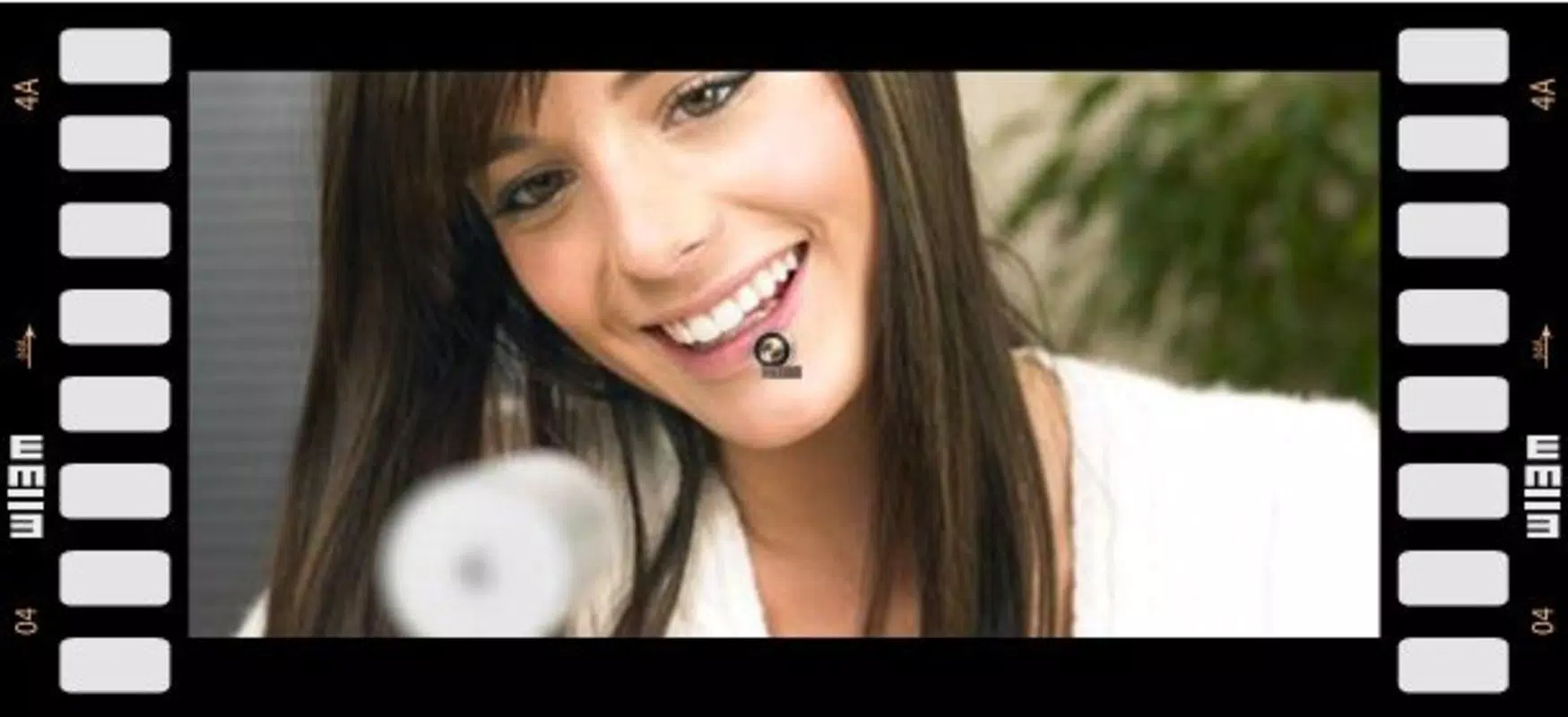
Photomizer Retro is a mobile image editing application designed to transform modern photographs into vintage-style visuals reminiscent of classic film cameras and black and white photography. The app specializes in delivering a nostalgic aesthetic through a curated set of filters and effects that emulate the imperfections and textures of old film stocks, grainy negatives, and aging prints. It serves as a creative tool for users who wish to infuse their digital photos with a sense of history and character, making it ideal for photographers, social media content creators, and hobbyists interested in retro aesthetics.
The app’s focus on authenticity is evident in its ability to replicate the subtle flaws and tonal shifts associated with analog photography, such as light leaks, color fading, and soft focus. While the developer did not provide additional background details, the app has been available since 2013, indicating a long-standing presence in the mobile editing ecosystem. Its continued relevance suggests a loyal user base seeking reliable, no-frills retro editing tools.
Real-world use cases include enhancing travel memories, creating themed photo albums, or adding artistic flair to personal branding content. In a market saturated with complex photo editors, Photomizer Retro stands out by prioritizing simplicity and stylistic consistency.
Key Features & Functionality
- Intuitive Interface Design: The app features a clean, user-friendly layout that minimizes the learning curve, allowing users to apply retro effects quickly without prior editing experience. Navigation is streamlined, with filters and tools accessible through a logical menu structure, making it suitable for both beginners and seasoned users.
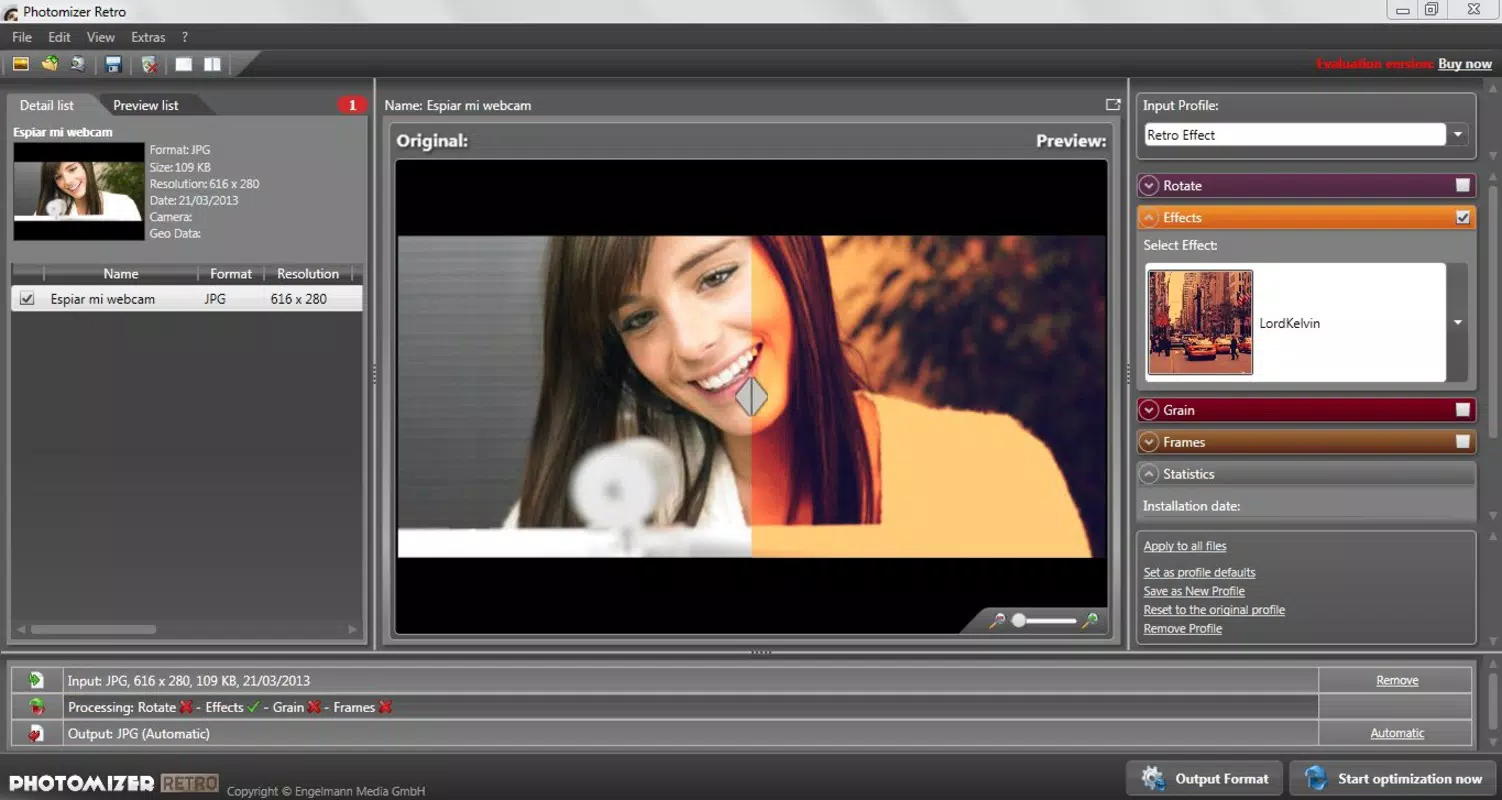
- Diverse Retro Filters: A range of filters mimics the look of vintage cameras, old film types, and black and white negatives. These include sepia tones, faded colors, soft contrast, and subtle vignetting, all designed to replicate the unique characteristics of analog photography.
- Lo-Fi Alternative Option: This feature introduces low-fidelity effects that add texture and imperfection, such as pixelation, reduced resolution, and digital noise. It offers a distinct creative direction for users seeking a more experimental or artistic touch.
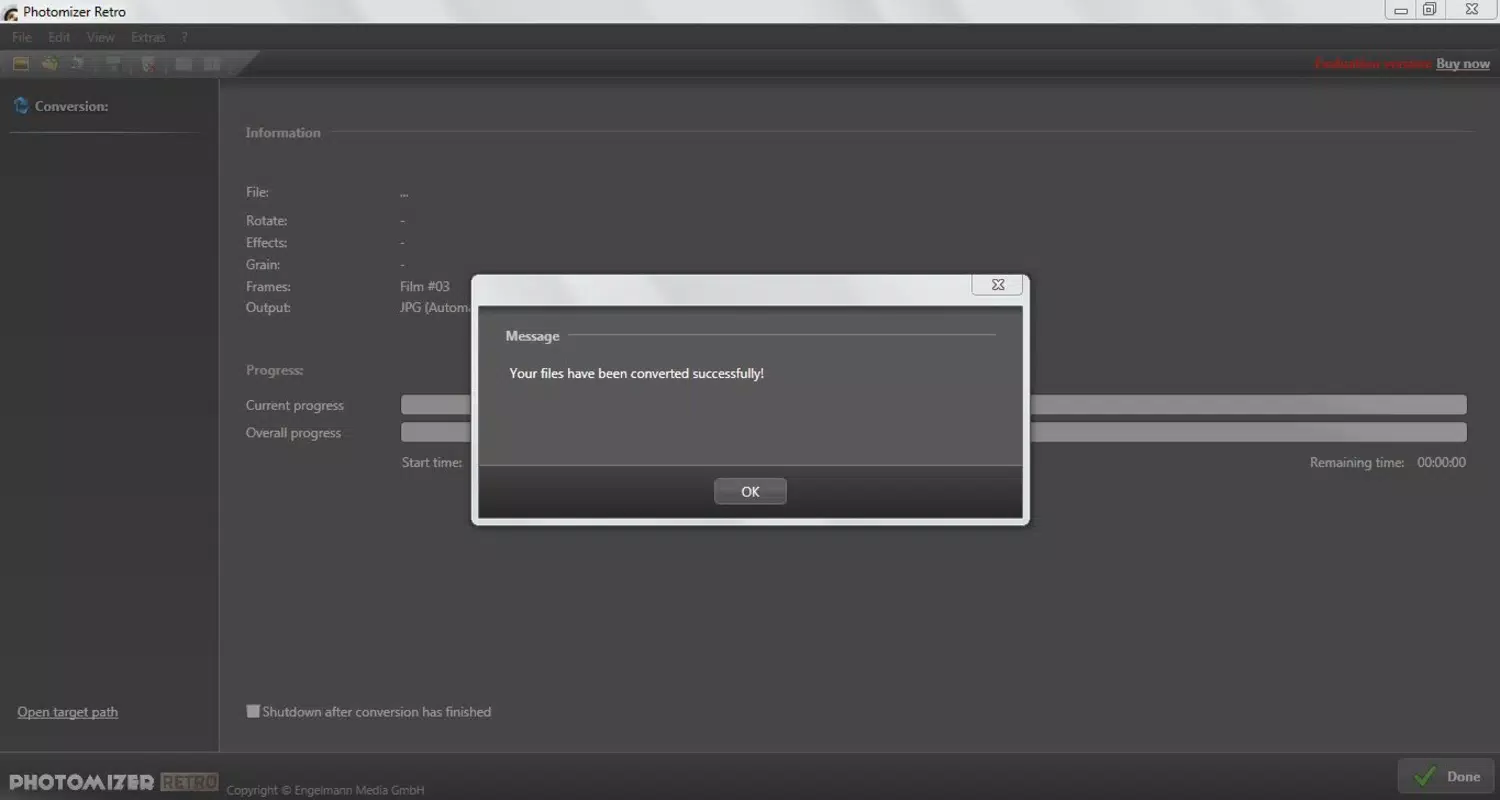
- Batch Processing Capability: Users can apply the same filter or set of edits to multiple images simultaneously, significantly improving workflow efficiency. The app preserves original files, ensuring no data loss during editing.
- Customizable Noise and Grain: This tool allows fine-tuned control over the level and texture of grain, enabling users to simulate different film types or aging processes. It enhances the realism of the vintage effect, especially when combined with other filters.
For example, a user might use batch processing to apply a “1950s Polaroid” filter to a collection of vacation photos, then adjust grain levels to match the look of a faded family album. Another might use the Lo-Fi option to create a series of stylized social media posts with a dreamy, nostalgic tone.
Interface, UX & Performance
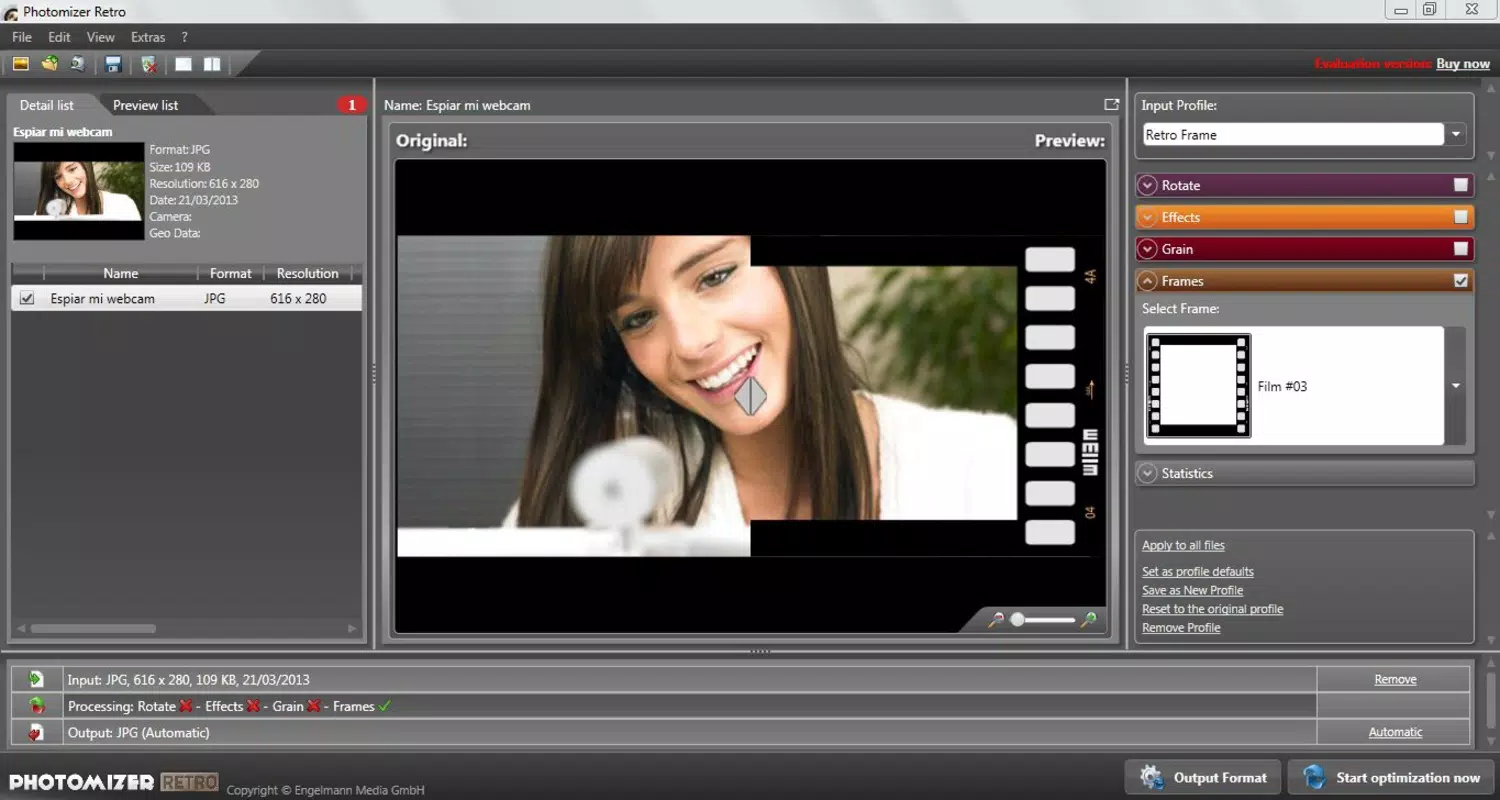
Photomizer Retro presents a minimalist interface focused on core editing functions, with tools organized into clearly labeled sections. The visual style leans toward functional simplicity, avoiding visual clutter that could distract from the editing process. Navigation is straightforward, with a central preview window flanked by filter categories and adjustment sliders.
Users can switch between images with minimal tap gestures, and the interface responds promptly to inputs across different screen sizes. Although the developer did not list formal performance metrics, the app demonstrates consistent responsiveness during filter application and batch processing tasks. It maintains stability even when handling multiple images, with no reported crashes or freezes during standard use.
The app’s performance appears optimized for mid-range and high-end devices, though compatibility with older hardware was not specified. Users can expect smooth transitions between editing steps, and the preview updates in real time. The overall experience is efficient and distraction-free, aligning with the app’s goal of delivering quick, reliable retro edits.
Platform Compatibility & Technical Requirements
Photomizer Retro is available on Android and iOS platforms. The app supports the latest versions of both operating systems, though specific OS version requirements were not listed. The file size is 45.2 MB, which is moderate for a photo editing tool with multiple filters and processing capabilities.
The developer did not specify minimum OS requirements, nor did they provide details about device-specific optimizations or hardware dependencies. Compatibility information was not fully disclosed, so users should verify system compatibility through their respective app stores. The app is designed to run on standard smartphone hardware, and its lightweight footprint suggests it can function efficiently on a wide range of devices, including those with limited storage or processing power.
Pros and Cons
- Intuitive interface suitable for beginners and experienced users
- Wide variety of authentic retro filters and effects
- Supports batch processing for efficient editing
- Preserves original files during editing
- Customizable grain and noise settings for fine-tuned results
- Low file size for a feature-rich editing tool
- Developer did not provide detailed technical specifications
- Compatibility with older devices not confirmed
- No cloud integration or export presets mentioned
- Feature updates and future development status unknown
- Limited social sharing or community features
FAQ
Is Photomizer Retro safe to download and use?
Yes, the app is available through official app stores and does not require root or jailbreak access. As long as it is downloaded from trusted sources, it is considered secure for personal use.
Can I edit multiple photos at once?
Yes, Photomizer Retro supports batch processing, allowing users to apply the same edits to multiple images simultaneously while preserving the original files.
Does the app work on older smartphones?
The developer did not specify minimum device requirements. However, the app’s moderate file size suggests it may run on older devices, though performance may vary.
Are the filters customizable?
Yes, users can adjust grain, noise, and other parameters to tailor the vintage effect to their preferences.
Is there a free version available?
The app’s pricing was not specified. Users should check the app store listing for current pricing and availability.
Final Thoughts
Photomizer Retro remains a reliable choice for users seeking a straightforward yet powerful tool to add vintage flair to their photos. Its combination of authentic retro filters, batch processing, and customizable grain settings offers a compelling value proposition for creatives who prioritize style and efficiency. While the app lacks modern integrations and detailed technical disclosures, its enduring functionality and clean design make it a standout in the niche of analog-inspired editing.
Whether you're reviving old memories, crafting themed content, or exploring artistic expression, Photomizer Retro delivers consistent results with minimal effort. For those looking to add a touch of nostalgia to their digital images, this app is a must-have. Download Photomizer Retro now.


